
Chapter 02
A day in the life of Legion
A complete story: from your phone on day zero to a full personal network with remote access.
Part 1: Day zero — setting everything up
It starts on your phone. You open the Legion phone app for the first time.
The app generates something called a master seed — a secret string of characters that is the root of your entire identity. Think of it like the key to a safe. The app immediately asks you to write down 12 words. These words are your master seed, translated into something you can actually remember and write on paper.
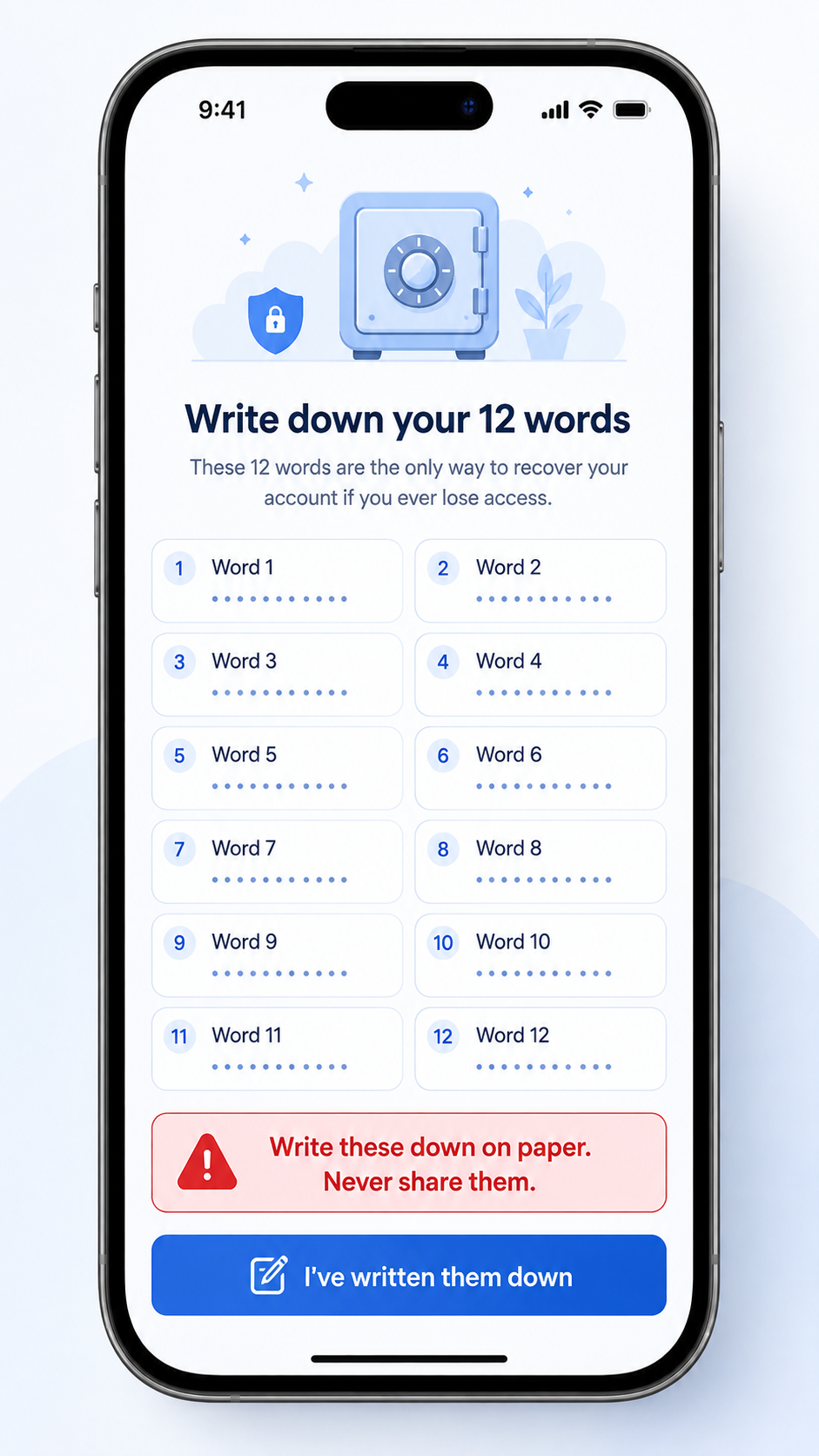
That's it. No email address. No password. No “sign in with Google”. Just you and your 12 words.
Now you have a DID — a “Decentralized Identifier.” It's a unique name for you that doesn't depend on any company. It looks something like a long URL: did:legion:user:6Mkh...
Your phone is now your first node — the main node. It's the authority. Everything else you add to Legion gets approved by it.
Part 2: Adding a personal server
You have a small always-on computer at home — maybe a Raspberry Pi, maybe a mini PC, maybe an old laptop that never turns off. Call it “The Beast” — because that's what everyone calls their always-on home server.
You turn it on and run one command:
legion-node-runner --cap ai.llmThis starts a Legion node on The Beast. It generates its own ID and prints it on screen: Node identity: did:legion:node:the-beast-llm-ABC...
Now you open the Legion app on your phone. You tap “Add Node.” You type in The Beast's ID and select the capability you want it to provide: ai.llm (a language model — like a private, local AI chatbot).
Your phone sends The Beast a service certificate — a digital badge that says “This device is authorized by the user.” The Beast accepts it. The Beast is now part of your group.
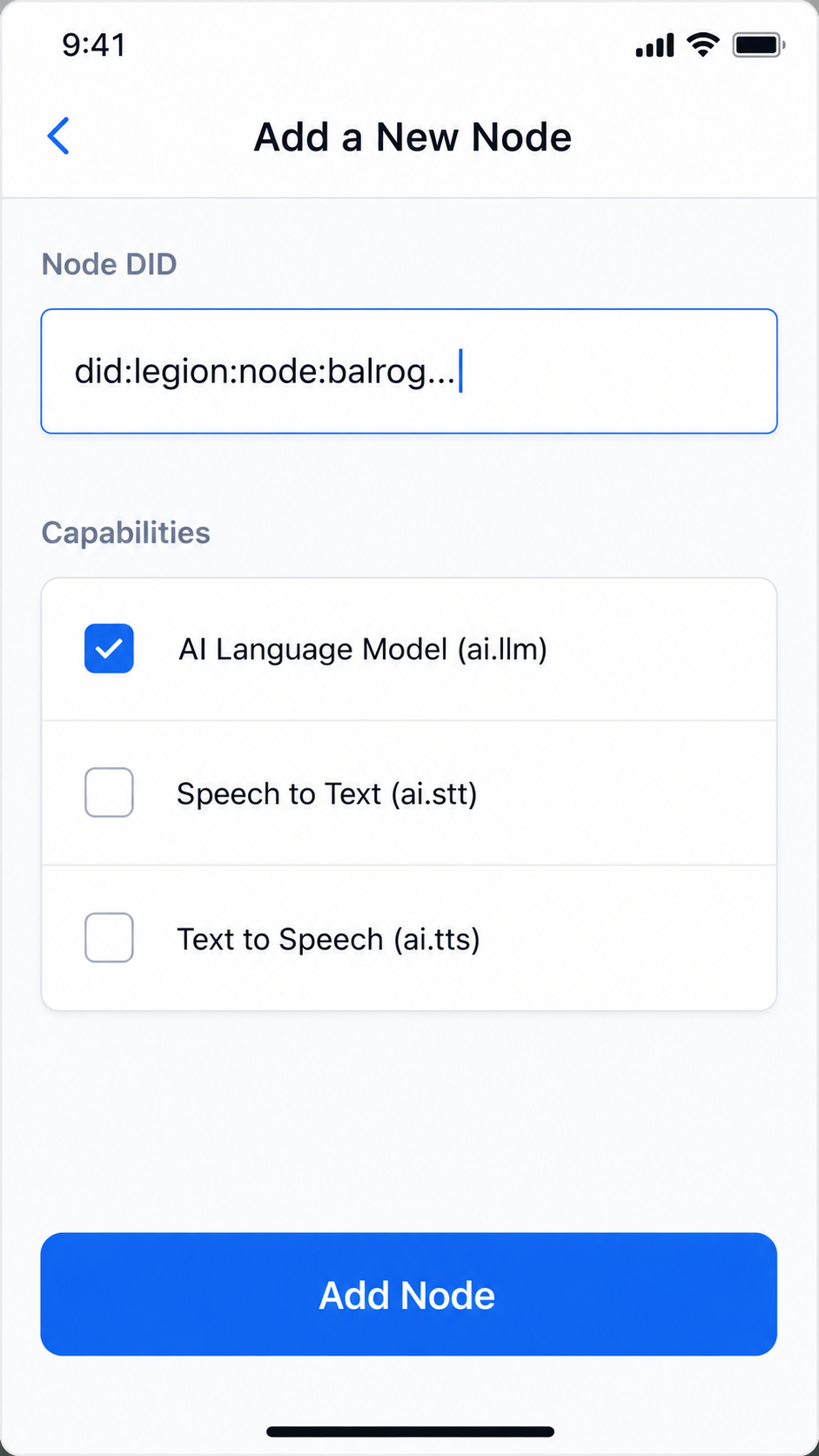
That took about two minutes. The Beast is now running 24/7 at your home, ready to process AI requests for you. Now you have access to a personal AI server from anywhere in your network.
Part 3: Using Legion — the voice conversation
Here's where things get interesting. Let's say you want to talk to your AI assistant.
You speak into your phone: “What's the weather tomorrow?”
Your phone does the following (in about a second, behind the scenes):
- Captures your voice (the
audio.incapability on your phone) - Sends the audio to The Beast for speech-to-text processing (The Beast has the
ai.sttmodule) - The Beast sends the text to another of your nodes for the AI conversation (maybe a rented cloud server with a powerful GPU — call it “Mordred”)
- Mordred generates a response
- Another node converts the text back to speech (the
ai.ttsmodule) - Your phone plays the audio back to you
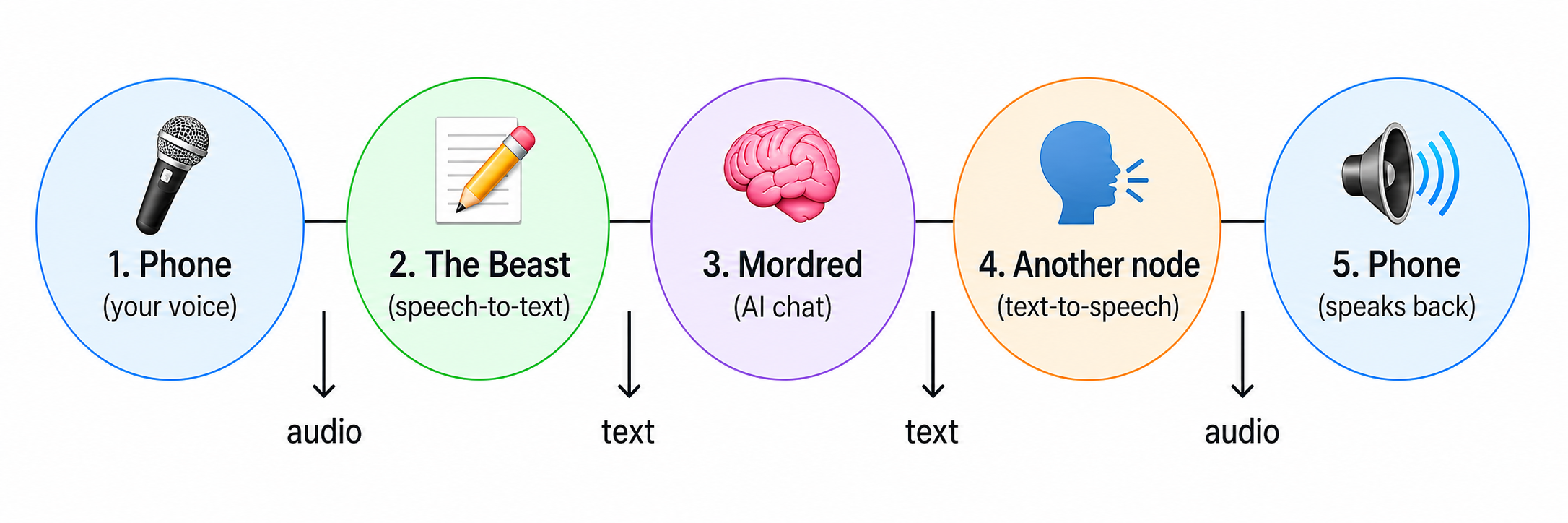
Notice something? None of this data ever went to a company's server. It flowed between your devices only. Your phone, The Beast (your home server), and Mordred (a rented server you control).
Part 4: Switching devices — the handoff
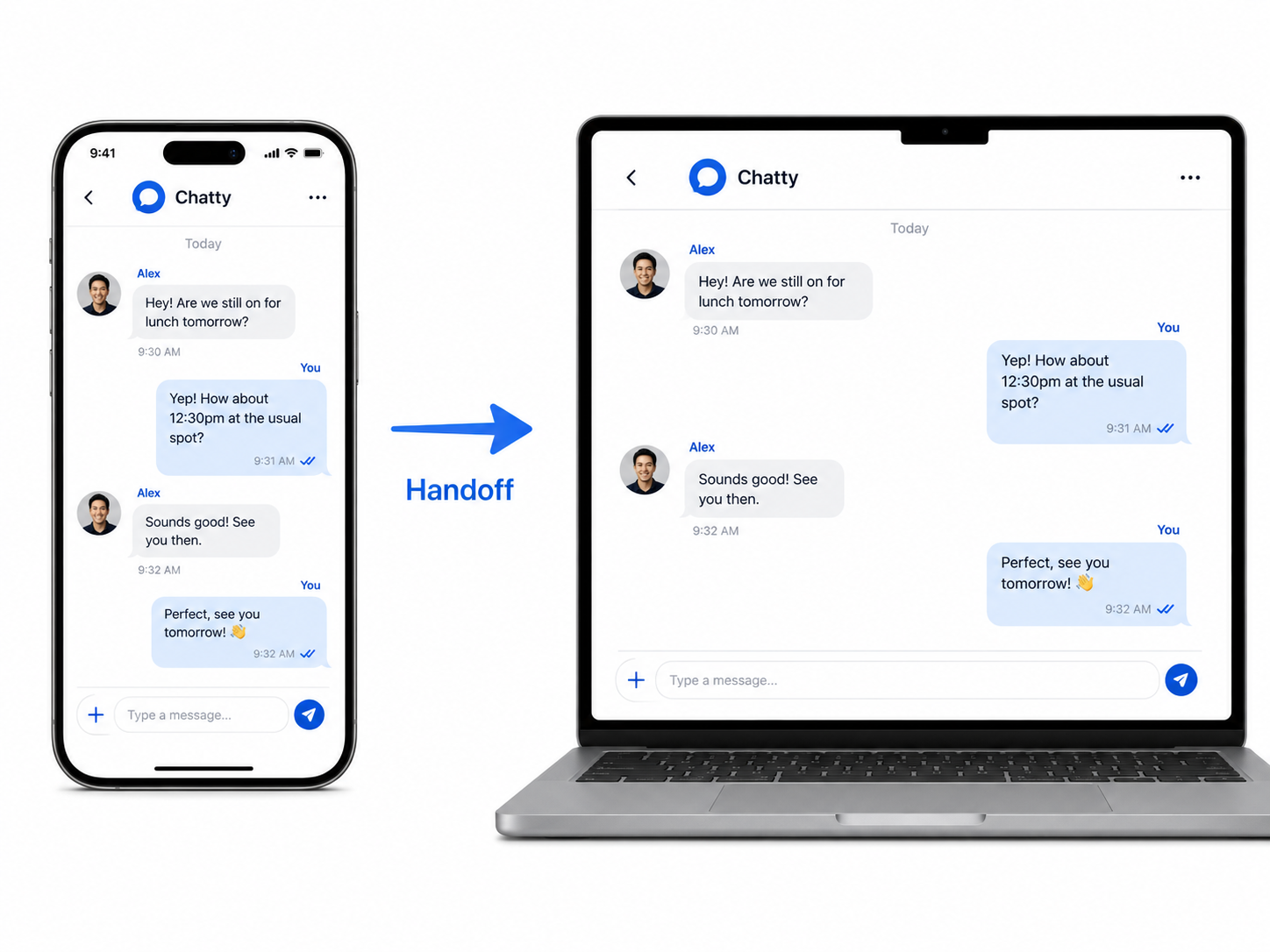
You were using the Legion app on your phone, having a conversation. Now you sit down at your laptop and open Legion there. You tap a “handoff” button.
In a moment, the exact same conversation — same messages, same context — appears on your laptop. You can keep typing right where you left off.
This works because the conversation state is stored in the cohort (your group of nodes), not on any single device. When you switch devices, you're just looking at the same shared state from a different window.
Part 5: Working from a hotel — no VPN needed
You're traveling. You connect your laptop to the hotel Wi-Fi. You open Legion on your laptop.
Normally, this would be a problem. Your home servers (The Beast, Mordred) are on your home network, not reachable from the hotel. You'd need a VPN or some complicated setup.
With Legion, it just works. Here's why: your home servers register themselves with a public bridge — a relay service. When your laptop connects to Legion from the hotel, it finds the bridge, establishes an encrypted connection, and suddenly all your home devices are accessible.
No manual configuration. No IP addresses to remember. No firewall rules. Legion figures it out automatically.
Think of it like this: your home servers are like radios in your house. Normally, they broadcast only within range — you can't tune in from across the city. But Legion installs a “transmitter” that lets anyone (authorized people, anyway) tune in from anywhere.
Part 6: Renting more power
Your AI conversations are getting heavy and your home server can't keep up. You go to the Legion provider marketplace (a website at legios.cloud), browse available servers, and rent a more powerful GPU node for $20 a month.
The onboarding takes five minutes:
- You pick a package
- You pay (the provider handles billing — Legion doesn't touch your money)
- You scan a QR code with your phone
- You type in a PIN that your phone shows
- The new server is provisioned and instantly joins your group
The rented server now acts like any other node in your group — but with much more computational power. You can run bigger AI models, process more data, whatever you need.
The full picture
By the end of this day, you have:
- A phone that captures your voice and displays results
- A home server that runs speech-to-text
- A rented server that runs AI models
- A laptop that you can switch to seamlessly
- A bridge that connects everything across the internet
And the most important thing: all of it is under your control. No company owns this network. No company can turn it off. No company can read your data.
Your devices. Your rules.
What comes next
If you want to know the principles that made this possible, read The big ideas. If you want to understand what each piece of this system is called and how it works, read The building blocks.