
Chapter 06
Who is who?
Identity without passwords: master seeds, DIDs, certificates, pairing and recovery.
No passwords, no usernames
In most systems today, you prove who you are by typing a password. The company stores a hashed version of that password, checks your login, and lets you in.
Legion does it differently. There are no passwords. There are no usernames. Instead, you have a master seed — a secret string of characters that you generate once and never share.
Think of it like a key to a physical safe. You don't tell anyone the combination. The combination is your identity. If someone has it, they are you.
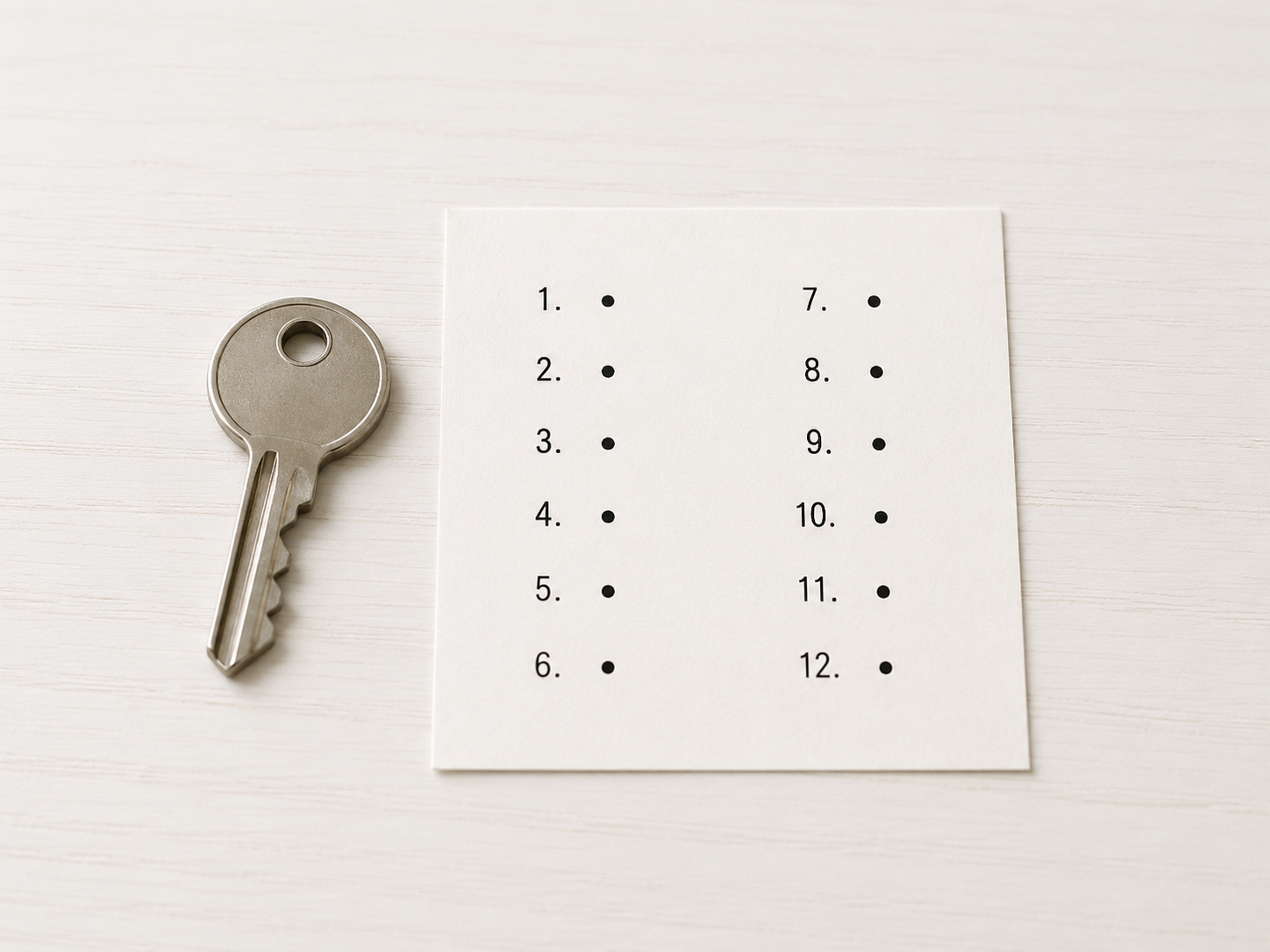
Your master seed generates 12 words (using a standard called BIP-39). You write those 12 words on a piece of paper and store them somewhere safe. That paper is the ultimate backup — if you lose your phone, you can recover everything from those 12 words on any device.
Your identity — the DID
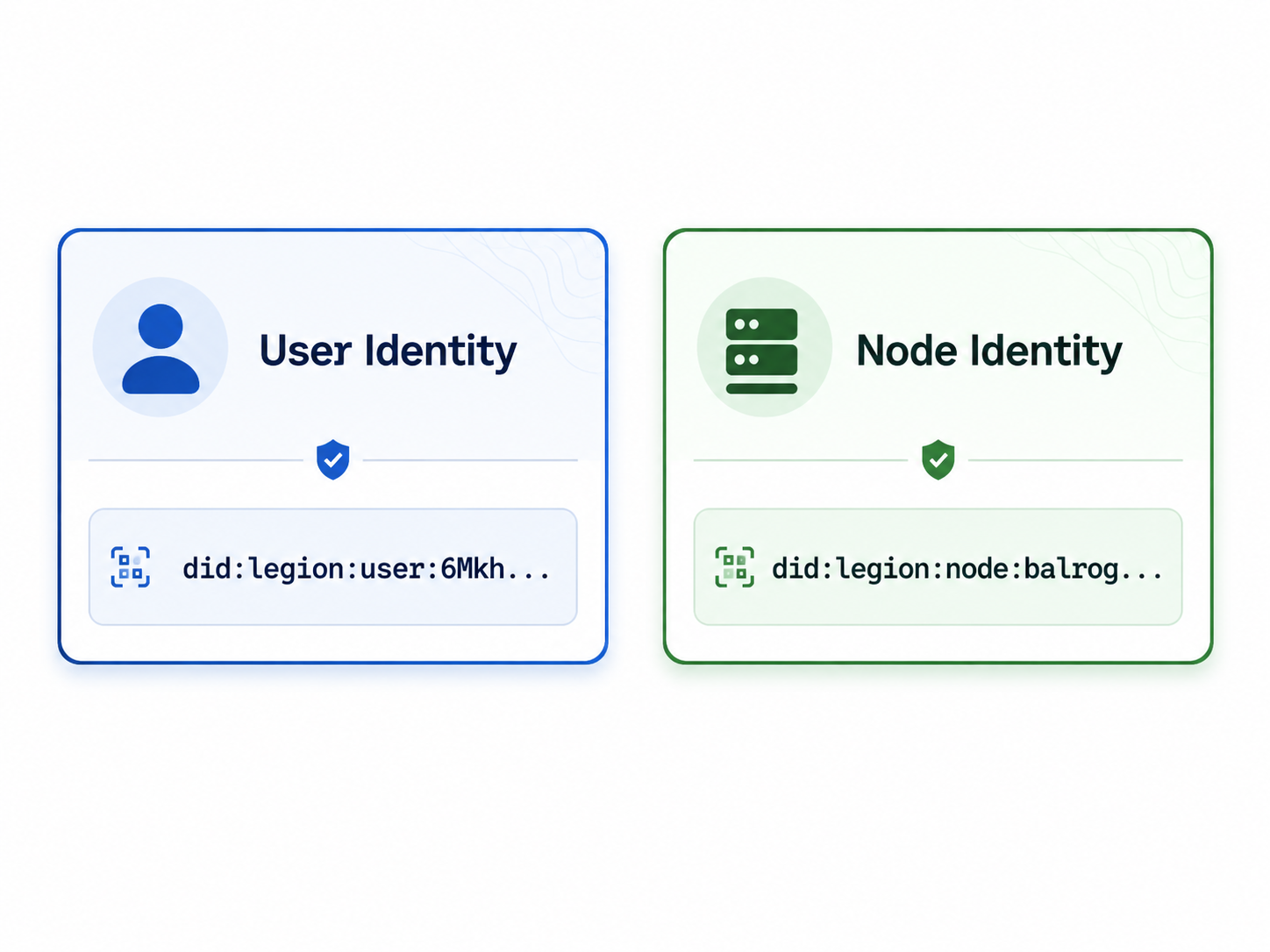
From your master seed, your phone generates a DID (Decentralized Identifier). This is a unique name for you that looks something like a web address:
did:legion:user:6Mkh7xQr...The “did:legion:user:” part is a label that says “this is a Legion user identity.” The rest is a cryptographic hash of your public key. It's your permanent, unchangeable identifier — like a fingerprint.
Every device you own shares the same DID. Your phone, your laptop, your Raspberry Pi — they all belong to you because they can all prove they're derived from your master seed.
Your devices
Each device you add to your group gets its own identity too, but in a different format:
did:legion:node:balrog-llm-A3F2...The “did:legion:node:” label distinguishes it from your personal DID. This is the identity of the device, not you. The device can't do anything malicious — it can only do what you authorize it to do.
Adding a device — the pairing ceremony
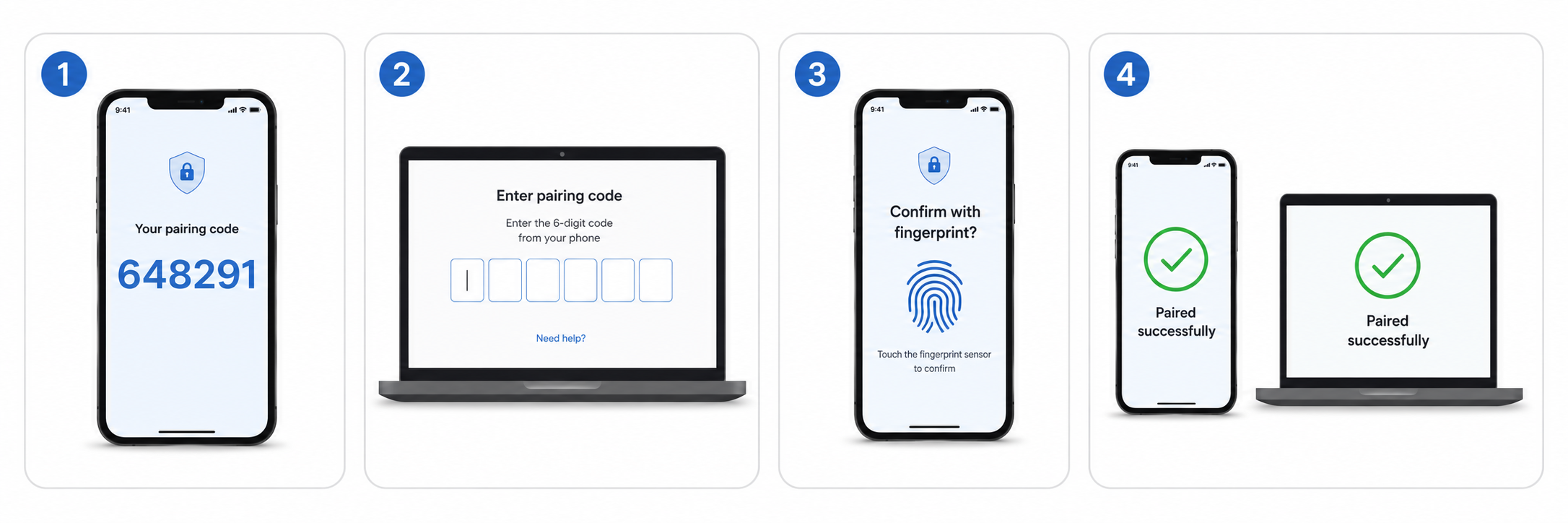
When you want to add a new device to your group, your phone (the main node) must approve it. This is called pairing.
Here's what happens:
- You tell your phone: “I want to add a new device.”
- Your phone shows a 6-digit code on screen (like “482916”).
- The new device displays a field to enter that code.
- You type the code into the new device.
- Your phone asks for your fingerprint or face scan (biometric confirmation) — this prevents someone from pairing a device while your phone is unlocked and you're asleep.
- If approved, your phone sends the new device a certificate — a digital badge that says “This device is authorized by the user.”
After pairing, the new device can participate in the group completely on its own. It doesn't need your phone anymore. But if the device is ever lost or stolen, you can revoke its certificate from your phone, and it instantly loses access.
Service certificates — authorizing servers
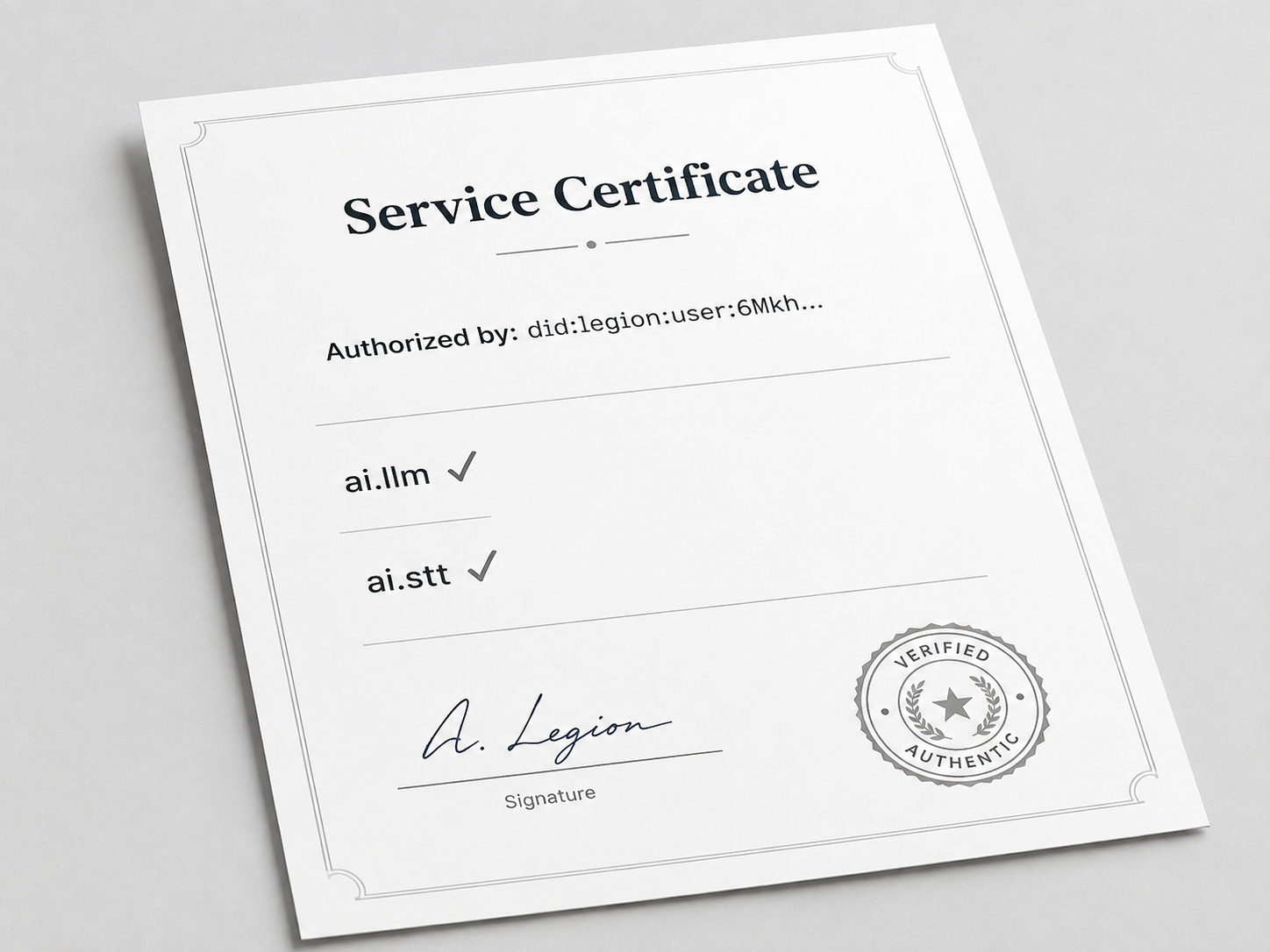
When you add a home server or a rented cloud server to your group, you need to give it permission to act on your behalf. You do this with a service certificate.
A service certificate is a signed document that says:
The certificate is signed with your master key. Any device in your group can verify that it's genuinely yours by checking the signature against your known public key.
The four tiers of data access
Every service certificate includes a tier level — a number from 1 to 4 that determines how sensitive data the device can access:
| Tier | Name | What it means |
|---|---|---|
| 1 | Sovereign | Absolute private. Only your main device. |
| 2 | Pragmatic | Your inner circle devices. |
| 3 | Group | Shared among your whole cohort. |
| 4 | Interface | Public-facing data. |
A device certified for Tier 2 can access Tier 2 and lower (more public) data, but never Tier 1. This is like giving someone a key to your office but not to your locked filing cabinet in the basement.
What if I lose my phone?
No problem. Because your master seed is the 12 words you wrote down, you can recover your entire identity on any device:
- Install Legion on a new device.
- Enter your 12 words.
- Your master seed is regenerated. Your DID is restored.
- All your previously-paired devices are still there (you can see them in your DID document).
- You can revoke any device you lost and pair new ones.
No email recovery. No security questions. No “we'll send you a code.” Just the 12 words and nothing else.
What if someone steals my device?
If a device is stolen, its keys are on that device. But the thief can't do much because:
- The device only has a child key derived from your master seed. It can't derive your master key or your other devices' keys. (This is a property of how the keys are structured — like a tree where cutting one branch doesn't affect the others.)
- You can revoke the device's certificate from your master device. Once revoked, the thief's device is rejected by every other node in your group.
Identity in practice
Here's how identity shows up in everything you do:
- Joining the network: Your node's beacon includes your DID, so other nodes know who you are.
- Sending messages: Every message is signed with your device key, so recipients can verify it really came from you.
- Storing data: Data at higher tiers is encrypted with tier-specific keys, so even if someone intercepts it, they can't read it.
- Installing apps: Apps are signed by their developers. Legion verifies the signature before running them.
Identity isn't a separate feature — it's woven into every interaction in Legion.
Summary
| Concept | What it is | Analogy |
|---|---|---|
| Master seed | Your root secret (12 words) | The master key to a safe |
| User DID | Your permanent identifier | Your fingerprint |
| Node DID | A device's identifier | An employee badge |
| Service certificate | Permission granted to a device | An authorization letter |
| Pairing | Approving a new device | Greeting someone at the door |
| Revocation | Revoking a device's access | Taking back a key |
| Recovery | Restoring from 12 words | Getting a new key from the master copy |
What comes next
Now that you know who's who in Legion, the next question is: how does the group agree on things? Like, how does everyone agree on what happened and what data is correct? Read How agreement happens to find out.